AI video editing in 2026: what actually saves time
AI now touches almost every stage of an edit. Some of it saves hours every week. Some of it creates the exact kind of video YouTube has said it will not pay for.
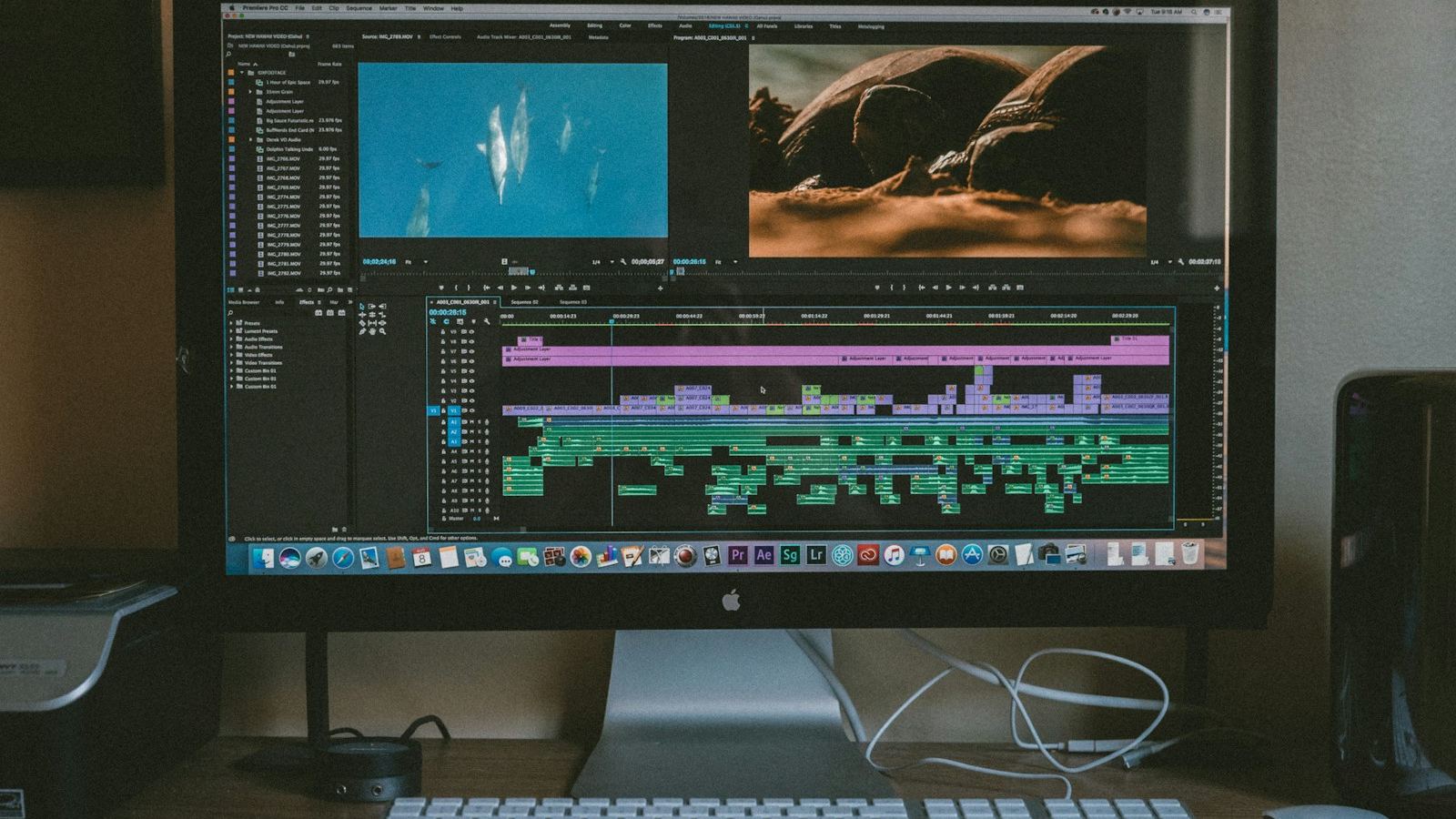
In 2026 AI is built into every major editor, and a new "one-click video" app launches every week. As someone who edits for a living, I sort AI tools into two groups: the ones that remove tedious work so I can spend longer on the creative decisions, and the ones that try to make the creative decisions for me. The first group is genuinely transformative. The second is where most of the bland, forgettable content comes from.
The AI tools that genuinely save time
Transcription and text-based editing
Generating a transcript and cutting a rough edit by deleting text is the biggest time saver in editing right now, especially for interviews, podcasts and talking-head videos. Premiere Pro has Text-Based Editing, Descript is built entirely around it, and DaVinci Resolve 20 added IntelliScript, which can build a timeline from a written script.
Silence and filler removal
Tools that detect pauses and cut them automatically remove hours of razor-tool work. Resolve 20's Fairlight IntelliCut can remove silences and split dialogue between speakers. Always review the result: automated silence removal cuts breaths that give speech its rhythm.
Automatic captions
Speech-to-text captions are now good enough to be the first draft every time, and Resolve 20 can animate them word by word. They still need a human check for names and numbers. See the animated captions guide.
Audio cleanup
AI voice isolation and speech enhancement can rescue audio recorded in echoey rooms or near traffic. Adobe's Enhance Speech and Resolve's Voice Isolation are the ones I see most. Use them lightly: pushed too far, voices start to sound processed.
Search, masking and reframing
Object-aware masking (Magic Mask in Resolve), automatic reframing for vertical video, and searching footage by what is in the shot all turn jobs that took an hour into a few minutes. DaVinci Resolve 21, released in June 2026, added AI IntelliSearch for finding clips by the objects or people in them, in the Studio version.
Where AI still falls short
- Choosing the story. AI can find where someone spoke. It can't reliably tell which moment will make a viewer care.
- Pacing. Auto-generated edits cut on sound, not on meaning. They are fast but flat.
- Taste. One-click "viral" templates make every video look like every other video using the same template.
- Accuracy. Transcripts, masks and reframes all make mistakes that are obvious to viewers and invisible to the tool.
YouTube's rules on AI content
This matters if you earn money from your channel. YouTube's Partner Program policy on inauthentic content excludes videos that are mass-produced, repetitive, or built from templates with little variation from one upload to the next. In July 2026 YouTube clarified the policy again, describing the kinds of content it considers inauthentic, including low-effort AI and template-based videos.
AI is not banned. Using AI to transcribe, clean audio or speed up your edit is simply editing. What puts monetization at risk is content that adds no original value, like AI voiceovers read over stock clips and posted at scale. Separately, YouTube asks creators to disclose realistic altered or synthetic content through the setting in YouTube Studio when they upload.
How I use AI in a real edit
- Transcribe the footage and read the transcript to find the story.
- Build a rough cut from the text, then refine every cut by hand on the timeline.
- Use automatic silence detection as a first pass, then restore the pauses that matter.
- Clean dialogue with voice isolation, then mix by ear.
- Generate captions, then correct and style them by hand.
The result is the same hand-made edit, delivered faster. Curious which software to do it in? Read the best video editing software for YouTube in 2026.