The best video editing software for YouTube in 2026
The best editing software is the one that fits how you publish. Here is how the four editors YouTube creators use most compare, from someone who cuts in one of them every day.
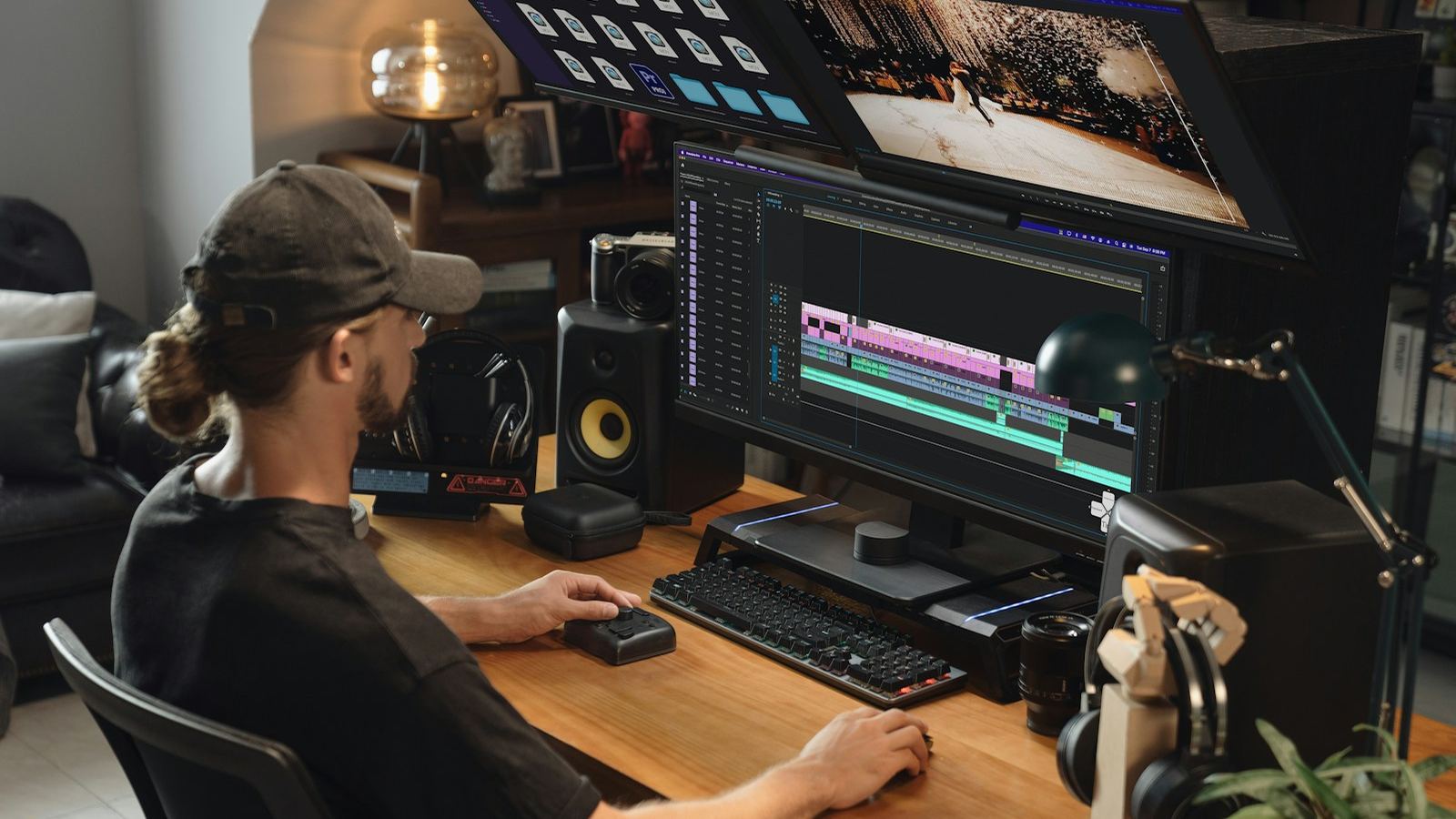
I edit in DaVinci Resolve Studio, and I will be upfront about that bias. Still, each of the four editors below is the right choice for somebody. The question is not which is "best". It is which one fits your computer, your budget, and how often you publish.
Quick answer
- Best overall and best free option: DaVinci Resolve.
- Best if you already use Adobe apps or work with other editors: Premiere Pro.
- Best for Mac users who want speed: Final Cut Pro.
- Best for fast, trend-driven short-form on a phone or laptop: CapCut.
DaVinci Resolve
Resolve combines editing, color grading, motion graphics (Fusion) and audio (Fairlight) in one app. The free version is remarkably complete (here is exactly what the upgrade adds). DaVinci Resolve Studio is a one-time purchase of $295 with no subscription, and adds the heavier AI features, noise reduction and higher-end codec support.
- Strengths: the best color grading tools available, pro audio built in, strong AI features in versions 20 and 21, runs on Windows, Mac and Linux.
- Weaknesses: a steeper learning curve, and it wants a capable graphics card.
- Choose it if: you want one tool you will never outgrow, and you don't want a subscription.
Adobe Premiere Pro
Premiere is the long-time industry standard for online video and agency work, sold as part of an Adobe subscription.
- Strengths: works seamlessly with After Effects and Photoshop, Text-Based Editing for talking-head content, a huge ecosystem of templates, plugins and tutorials.
- Weaknesses: an ongoing subscription cost, and color and audio tools are less deep than Resolve's.
- Choose it if: you already pay for Adobe apps, or you hand projects to editors and designers who use them.
Final Cut Pro
Apple's editor is Mac-only and famously fast, especially on Apple silicon. The magnetic timeline, which keeps clips from knocking out of sync, feels different from traditional track-based editors.
- Strengths: excellent performance on Macs, a one-time purchase, quick for solo creators.
- Weaknesses: Mac only, a less common choice for collaboration, and the magnetic timeline takes adjustment.
- Choose it if: you edit alone on a Mac and value speed over deep grading.
CapCut
CapCut dominates quick short-form editing, with trending templates, automatic captions and effects built for TikTok, Reels and Shorts. It has a free tier and a paid Pro plan, on phones and desktops.
- Strengths: very fast for short, trend-driven content, and easy for beginners.
- Weaknesses: limited for long-form, color and audio work, and heavy template use makes videos look alike.
- Choose it if: you post short-form daily and speed matters more than a signature style.
How to choose
- Start with your computer. On a Mac, all four are options. On Windows: Resolve, Premiere or CapCut. On Linux: Resolve.
- Then your format. Long-form YouTube favours Resolve or Premiere. Daily short-form favours CapCut, or Resolve with templates.
- Then your budget. Free: Resolve or CapCut. One-time: Resolve Studio or Final Cut. Subscription: Premiere or CapCut Pro.
- Then collaboration. If others will open your projects, use what they use.
Software matters less than the edit
Every tool here can make a video that holds attention, and every one can make a boring one. Retention comes from structure, pacing and sound, which is what the audience retention guide covers. Pick one editor, learn its shortcuts, and stay with it long enough to get fast.
All my projects are delivered with the organised DaVinci Resolve project included, so you keep full access to the edit. See YouTube video editing.