DaVinci Resolve free vs Studio: what the upgrade actually buys
The free version of Resolve is the most generous free editor ever released. Studio is a one-time $295. Only three of its additions will change your week.
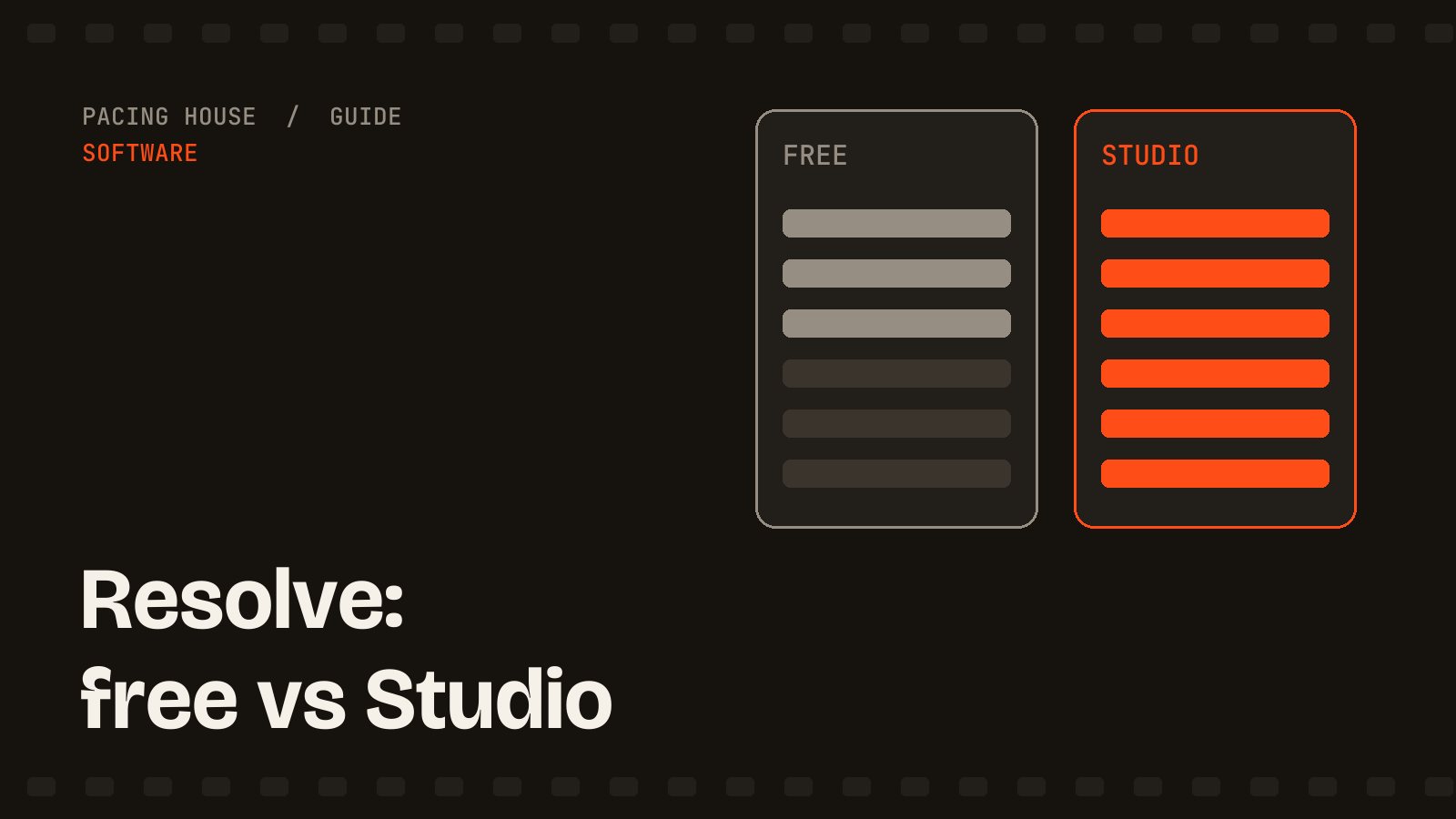
Most "free vs paid" software comparisons are really a list of things the free version cripples. Resolve is the rare exception: the free tier is a complete professional NLE with the full colour page, Fairlight audio and Fusion compositing, no watermark and no time limit. The question is not whether free is usable. It is whether the specific things Studio adds apply to the work you do.
What the free version already gives you
- The entire colour page: nodes, scopes, curves, qualifiers, Color Space Transform
- Fairlight, a full DAW, in the same application
- Fusion for compositing and motion graphics
- Multicam, speed ramping, keyframing, automatic captions
- Output up to UHD (3840 × 2160)
For a creator publishing 4K YouTube video from a single camera, that list has no holes in it. You can work this way indefinitely and nobody watching will know.
The three Studio features that actually matter
Everything else on the comparison chart is noise next to these.
1. Noise reduction
Temporal and spatial noise reduction are Studio-only, and this is the single most common reason working editors pay. Anything shot indoors, at night, or above base ISO carries noise that gets worse the moment you lift the shadows in a grade. Free Resolve gives you no real tool for this. If you shoot in imperfect light — which is to say, if you shoot — this alone can justify the purchase.
2. Magic Mask
Tracked subject and person isolation without rotoscoping frame by frame. In the free version, separating a speaker from a background means a qualifier and a lot of patience. Magic Mask does it in a couple of clicks and holds through movement. It is the difference between a ten-minute skin tone pass and an hour of it, and it feeds directly into the secondaries stage of a normal log grading workflow.
3. Super Scale
Proper upscaling of lower-resolution footage — 1080p sources into a 4K timeline, old clips, archive material. Far better than a straight resize, and genuinely useful if you repurpose an existing back catalogue.
The limits that bite, and the ones that don't
Free Resolve caps output at UHD and at 60fps. Read that carefully, because it is widely misreported:
- Does not affect you: 4K delivery at 24, 25, 30 or 60fps. That is every normal YouTube upload.
- Does affect you: delivering above 4K, or high-frame-rate slow motion finished at 120fps. Note that shooting 120fps and slowing it into a 24fps timeline is fine — the cap is on the timeline and export, not the source.
Studio also adds multi-GPU support, better hardware decoding for some 10-bit H.265 material, film grain, lens blur and various Neural Engine features. Nice, none decisive.
Should you upgrade?
Stay on free if:
- You shoot in good light and deliver 4K or below
- Your grading is exposure, white balance and a light look
- You are still deciding whether editing is something you want to do yourself
Buy Studio if:
- You shoot log, indoors, or anywhere you cannot control the light — noise reduction pays for itself
- You isolate subjects regularly for skin tone or background work
- You are editing for clients, where an hour saved per video is real money
The upgrade is a one-time purchase, not a subscription, and it has historically carried across major versions — which is the main reason it compares so well against Premiere's monthly cost. There is no rush: start free, and buy Studio the first week you find yourself fighting noise or rotoscoping by hand.
Or skip the decision entirely and let me edit it — the licence, the noise reduction and the grade come with me.