9 colour grading mistakes that make videos look amateur
Almost every "why does my footage look cheap" problem comes down to one of nine things. None of them need better gear to fix.
I grade other people's footage for a living, which means I see the same nine errors over and over across completely different cameras and completely different skill levels. Every one is fixable in minutes once you know what you are looking at.
1. Applying a LUT to unconverted log footage
The most common one by a distance. Creative LUTs are built to sit on an image that is already in Rec.709. Drop one on raw log and you get crushed shadows, blown highlights and strange colour casts — then people compensate by pulling the LUT's opacity down to 40%, which just gives a weak version of a wrong answer.
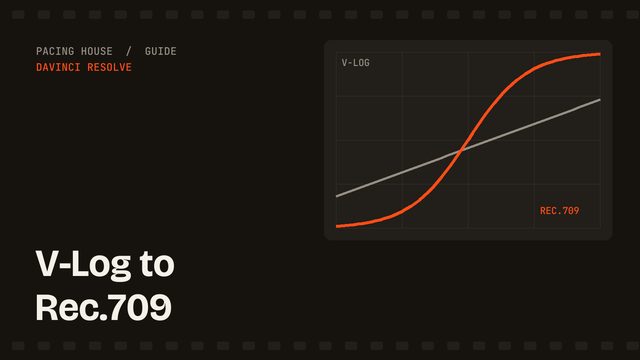
Fix: convert first with a Color Space Transform, then apply the creative LUT on a separate node downstream. The LOG workflow covers the order.
2. Crushing the blacks
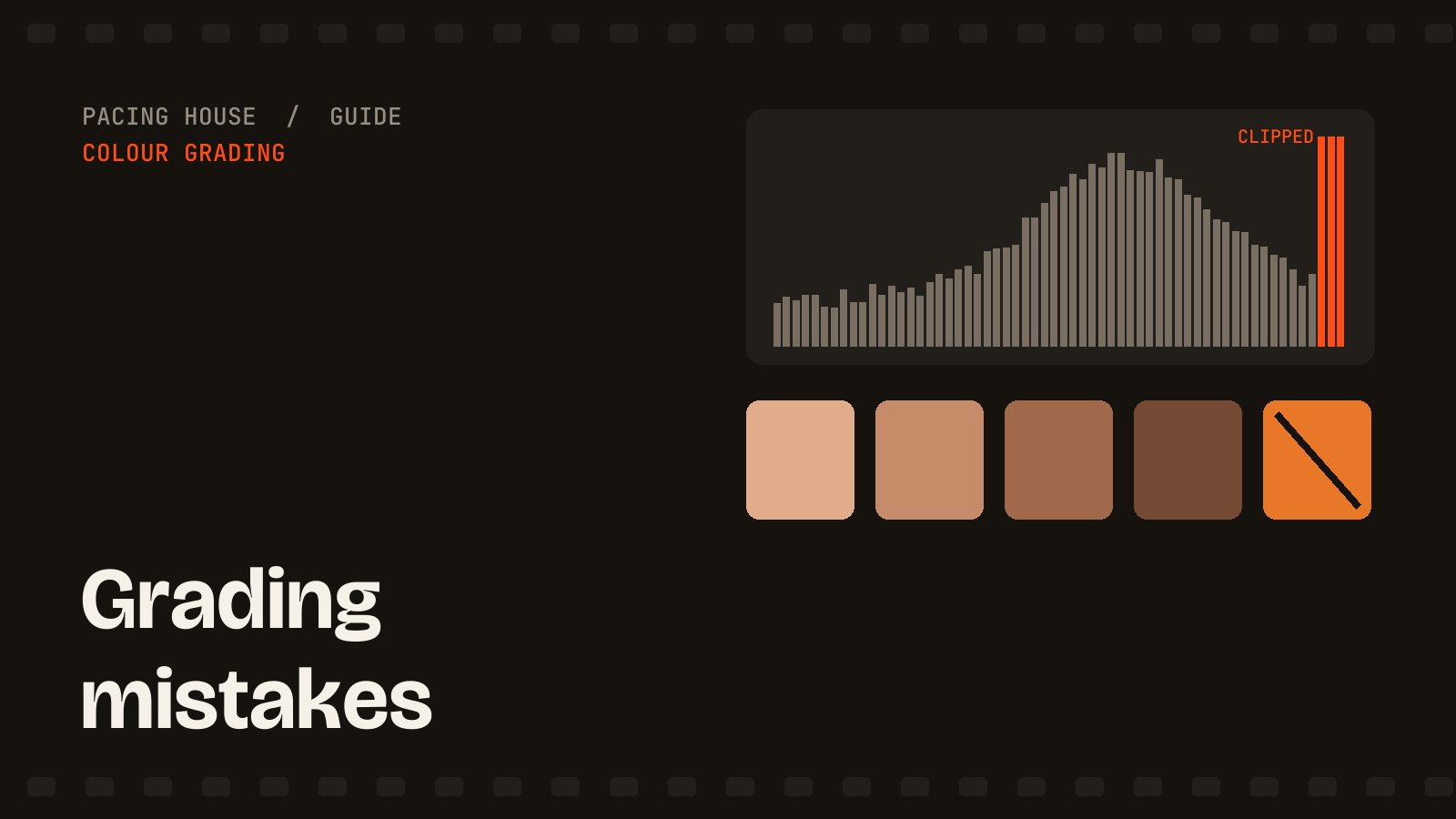
Pulling shadows down until the image looks "cinematic" destroys detail in hair, dark clothing and every shadowed surface, and it cannot be undone later. On the waveform, the bottom of your signal should sit at or just above 0, not piled flat against it.
Fix: watch the waveform, not the picture. If the trace is flattening against the floor, back off.
3. Saturating to fix a white balance problem
Footage looks dull, so the saturation slider goes up. But dullness is usually a white balance issue, and saturating a colour cast makes the cast stronger. Skin goes orange, greens go radioactive.
Fix: neutralise first. Find something white or grey in frame, open the RGB Parade, and match the three channels at that point. Most footage needs far less saturation afterwards.
4. Trusting your eyes over the scopes
Your eyes adapt within about ninety seconds. Grade for ten minutes and you will drift warm, then keep going. This is why a grade that looked perfect last night looks orange in the morning.
Fix: keep the waveform and vectorscope open permanently, and take a break before you finalise.
5. Grading in a bright room on an uncalibrated screen
A laptop by a window, at whatever brightness it shipped with, is not a reference monitor. You will grade too dark and too contrasty to compensate for the ambient light, and it will look wrong everywhere else.
Fix: control the room before you spend money on a display. Consistent, dim, indirect lighting and a fixed screen brightness beats an expensive monitor in a sunny room.
6. Grading every shot in isolation
Ten individually beautiful shots that do not match each other read as amateur instantly, because the cut draws attention to itself every few seconds. Consistency across a scene matters more than any single frame.
Fix: grade one hero shot per scene, then match everything else to it using a split screen.
7. Ignoring skin tones
Viewers forgive an odd sky. They do not forgive odd skin, even if they cannot say why. Skin that has gone green, magenta or fluorescent orange is the single strongest amateur signal in colour.
Fix: turn on the vectorscope's skin tone line. Most skin tones, across every complexion, sit close to it. Isolate the face and nudge hue until it does.
8. Leaving data levels on auto
Milky, lifted blacks that no amount of grading fixes — or shadows that clip the moment you touch them. This is almost always a video-range versus full-range mismatch, not a grading problem at all, and people spend hours fighting the symptom.
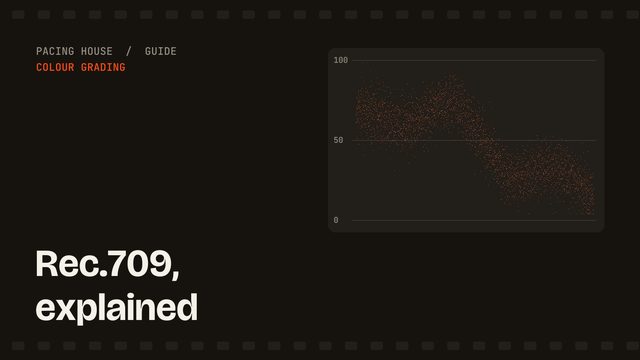
Fix: set data levels explicitly on the clip and on export. The Rec.709 guide explains which is which.
9. Grading too hard, too early
A heavy teal-and-orange look applied before exposure and balance are right is decoration over a broken foundation. It also dates fast — strong stylistic grades age worse than anything else in an edit.
Fix: correct fully first. Then add the look, then halve it. Almost every grade is improved by being pulled back.
The pattern behind all nine
Eight of these nine are the same underlying error: reaching for a creative tool to solve a technical problem. Get exposure, white balance, conversion and levels right, and the creative grade becomes a light touch on top rather than a rescue attempt.
Every edit I deliver gets that technical pass before anything stylistic happens — see YouTube video editing, or start with the V-Log and LOG workflows if you grade your own.