How to improve YouTube audience retention
Most viewers who leave a video leave for a reason you can see on the timeline. This is how I find those moments and what I cut, move or add to fix them.
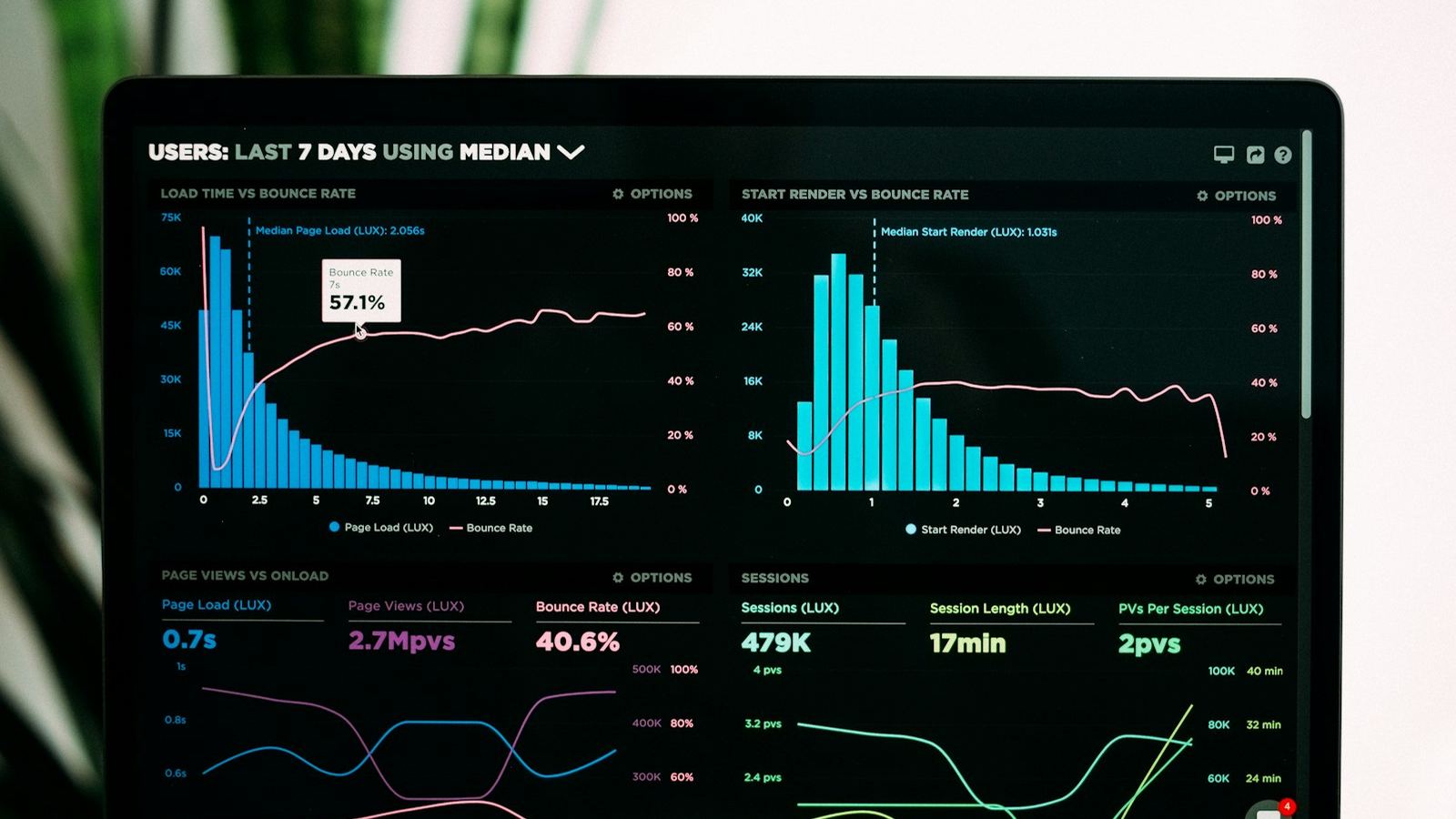
Audience retention is the share of your video people actually watch. YouTube reports it two ways: average view duration, in minutes, and average percentage viewed. Both matter because a video that holds people is one YouTube can keep recommending. A better thumbnail gets the click, but only the edit keeps the viewer.
1. Read the retention graph before you touch the edit
In YouTube Studio, open a video's analytics, go to the Engagement tab and look at the audience retention chart. The "key moments" view breaks it into the parts that matter:
- The intro drop. How many people are still there after the first 30 seconds. Almost every video loses people here; the question is how many.
- Dips. Sudden falls in the line. Scrub to that timestamp in your project: there is nearly always a slow explanation, a repeated point, or a sponsor read.
- Spikes. Moments people rewound to or skipped forward to. Rewinds mean something worked; skips to one point mean the part before it dragged.
- The slow slide. A steady downward slope with no single cause usually means pacing: the video is fine minute by minute but never gives a reason to keep going.
Pick your last five uploads and write down where each one dips. The pattern across videos tells you more than any one graph, because it shows the habit, not the accident.
2. Win the first 30 seconds
The opening decides whether most people stay at all, so it gets more editing time than any other part.
- Start with the promise, not the greeting. The viewer clicked a title. The first line should confirm they are in the right place: what they will see or learn, said plainly.
- Cut the throat-clearing. Logo animations, "before we start" and channel updates move to the end or out entirely.
- Show the payoff early. A few seconds of the result, the reveal or the best reaction, then "here's how we got there." This opens a question the rest of the video answers.
- Match the thumbnail. If the thumbnail shows a moment, make sure the viewer sees it or clearly knows it is coming. A mismatch is the fastest way to lose people who already clicked.
3. Remove dead air, then check you didn't overdo it
Pauses, "um"s, false starts and repeated takes are the easiest retention gains. On a talking-head video, tightening them often cuts a meaningful share of the runtime without losing a single idea.
Then watch it back at normal speed. Cutting every breath makes speech feel robotic and exhausting. Leave a beat after a joke, a key point or a question, where the viewer needs a moment to take it in. The goal is no wasted time, not no silence.
4. Give the eye something new every few seconds
A single static shot is where the slow slide starts. I build in a visual change every three to five seconds on talking sections. These are pattern interrupts, and they don't need to be flashy:
- Punch-ins: a slow or hard zoom on the same shot to mark emphasis. Film in 4K and deliver in 1080p and you have room to reframe without losing sharpness.
- B-roll over anything you describe: the product, the place, the screen.
- On-screen text for numbers, names and the one line you want remembered.
- Graphics or callouts that point at what the viewer should look at.
Vary them. The same zoom every four seconds becomes its own kind of monotony. Use the change to support what is being said, not just to fill a quota.
5. Use sound to carry people through transitions
Viewers forgive rough visuals far sooner than bad audio, and sound is the most underused retention tool.
- Clean the dialogue first. Noise reduction, EQ and a de-esser. If the voice is hard to listen to, nothing else matters.
- Duck the music under speech so the voice always sits on top.
- Mark section changes with sound: a riser into a reveal, a hit on a cut, a change of music bed when the topic changes. It tells the viewer something new is starting.
- Add small foley on text pops, swipes and on-screen actions. You notice it missing more than you notice it there.
6. Structure the middle so there's always a reason to stay
The middle of a video is where the slow slide happens. Structure fixes it better than effects do.
- Order sections by strength, not by the order you filmed them. Don't put your weakest material in the second minute, when people are still deciding.
- Open small loops: "the third one surprised me" or "I'll show you the result in a minute" gives people a reason to wait.
- Move the sponsor read to after a payoff, not before one, and keep it short.
- Cut anything that repeats. If a point has been made, a second example only stays if it adds something new.
7. Don't announce the ending
"So, to wrap up" and "that's it for today" tell people they can leave, and many do, before the end screen ever shows. Finish on the last genuinely useful point, move straight into what to watch next, and keep the outro short.
A quick checklist before you export
- Does the first sentence confirm the title and thumbnail?
- Is anything before the first real content removable?
- Are there stretches longer than about five seconds with nothing new on screen?
- Is the dialogue clean, and does the music sit under it?
- Does each section start stronger than the last one ended?
- Does the video end on value instead of saying it is ending?
After you publish, compare the new graph with your last five uploads. Retention improves one habit at a time, and the graph is the only honest way to see which change actually worked.
If you'd rather hand the timeline to someone who does this every day, that's what I do for YouTube channels, starting with a single $95 test cut.