How to turn one podcast into a month of Shorts
One good recording can feed a month of short-form posts. The trick is not cutting faster, it is choosing the right moments and rebuilding each one as its own video.
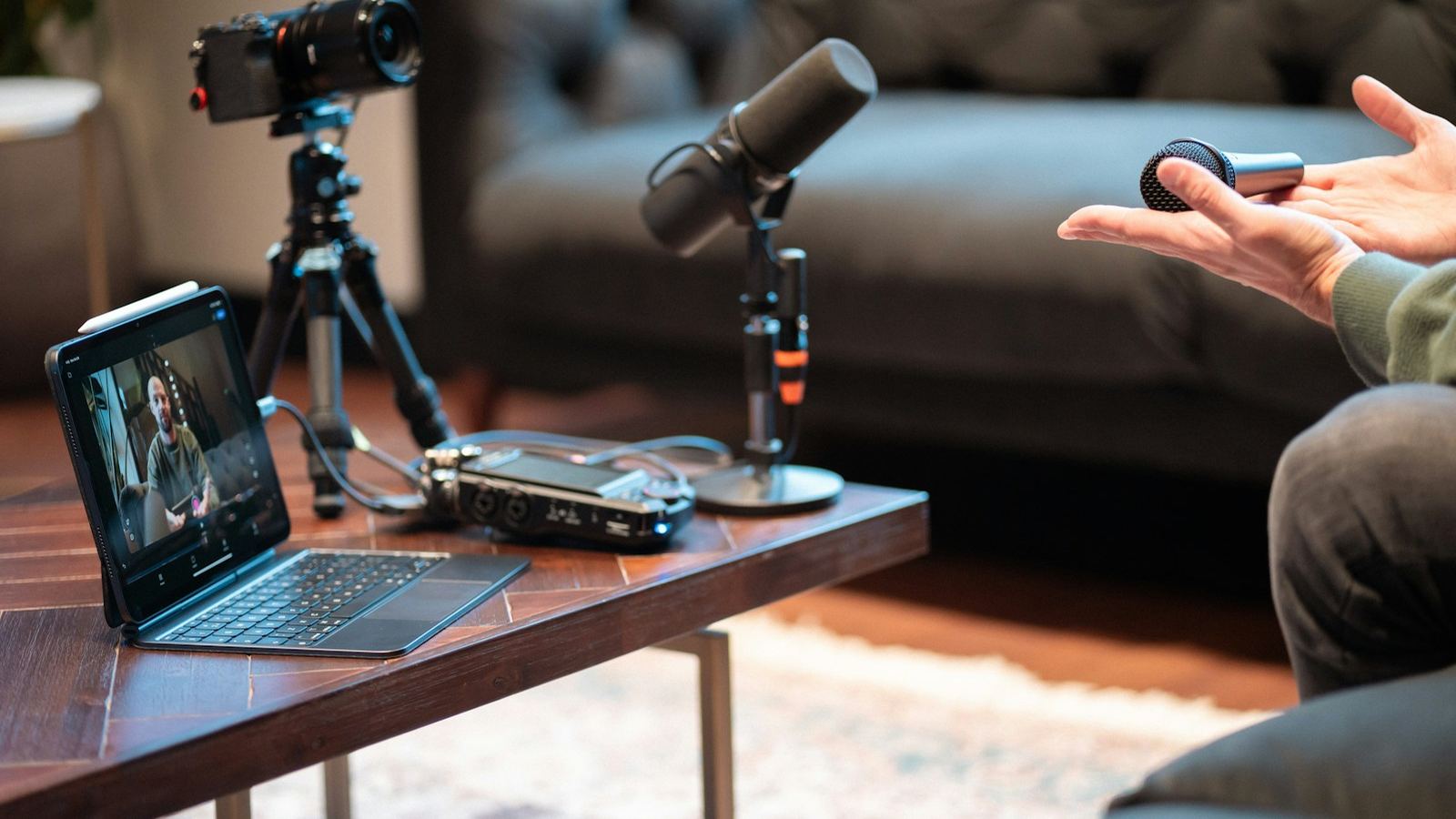
Repurposing is the most efficient thing a creator can do with their footage. You already did the hard part: the recording, the guest, the research. The mistake most people make is treating clips as leftovers, trimming a minute out of the middle and posting it as-is. Short-form viewers owe that clip nothing. Each one has to work as its own video.
This is the workflow I use to turn one podcast, stream or long video into a month of posts.
Step 1: Work from the transcript, not the timeline
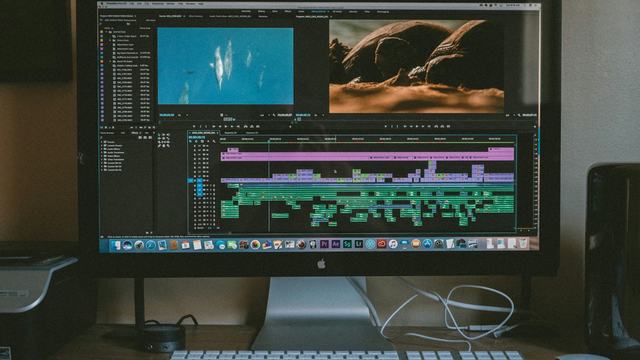
Scrubbing through a two-hour recording is slow. Generate a transcript first. DaVinci Resolve, Premiere Pro and Descript all do this, and dedicated clipping tools will even suggest moments. Then read it like an editor, marking every passage that could stand on its own.
Step 2: Know what makes a good clip
A moment is worth clipping if it has at least one of these:
- A strong opinion or a claim people might disagree with.
- A story with a payoff that fits in under a minute.
- A single, specific tip someone could use today.
- A genuine reaction: laughter, surprise, a heated moment.
- A surprising number or fact.
And it must make sense to someone who has never heard of the show. If it needs "as we said earlier", skip it or rebuild it.
Step 3: Rebuild each clip around its hook
The best line in a clip is rarely at the start. Move it. Open on the most interesting sentence, then cut back to the setup. You can also rearrange sentences, as long as you never change what the speaker meant.
- Cut the setup down to the minimum needed to understand the payoff.
- Remove every pause, filler and tangent.
- End on the payoff, not on the next topic starting.
More hook formats are in 10 ways to stop the scroll.
Step 4: Reframe to 9:16 properly
A horizontal podcast shot doesn't fit a vertical screen. Tracking-based reframing, like Smart Reframe in DaVinci Resolve Studio or Auto Reframe in Premiere Pro, gives you a starting point. Check it by hand, especially on two-person shots:
- One speaker on screen at a time, cutting to whoever is talking.
- Or a stacked layout, guest on top, host below, for fast back-and-forth.
- Add b-roll or on-screen text whenever the speaker describes something visual.
This is why recording podcasts in 4K helps: a vertical crop from a 4K frame still looks sharp at 1080×1920.
Step 5: Caption, title and cover
Every clip needs captions (see the animated captions guide), a short on-screen title in the first seconds that says what the clip is about, and a strong first frame.
Step 6: Schedule a month, not a day
A single episode can realistically give you:
- 8–15 short clips for Shorts, Reels and TikTok.
- 2–3 longer highlight cuts for YouTube.
- Quote graphics and stills for other posts.
Spread them out. Posting the strongest clip first and the rest across the month keeps your channels active between recordings, and each clip sends new viewers back to the full episode. Link to it every time.
A note on reusing the same clip everywhere
Posting the same video to TikTok, Reels and Shorts is normal. What platforms push back on is low-effort reposting, like clips with another app's watermark or unedited, recycled content. Export clean files without watermarks and give each clip its own caption.
Clipping long-form into shorts is the core of my short-form sprint: send the recording, get finished vertical videos back.
If you want the terminology, business models and AI workflow explained first, read what content clipping is. If you want the work handled, see the video clipping service.