How to outsource video editing without losing control of your channel
Outsource video editing once editing is the step that limits how often you publish. Write down your style, prepare a brief and organised files in Google Drive, Dropbox or Frame.io, and pay one editor for a single test video before committing. Review with timecoded notes, agree file and music rights in writing, and move to a retainer only after a few clean deliveries.
I am on the receiving end of outsourcing: creators send me footage from the US, the UK and Australia, and I send back edited videos from Pokhara. So read this with that interest in mind. This guide is about the decision and the workflow. If you have already decided and need to find and vet someone, the guide to hiring a YouTube video editor covers that part.
When does outsourcing video editing make sense?
Start with time, not money. A standard creator edit of a 10-minute video often runs to a full working day or more; the breakdown is in how long it takes to edit a YouTube video. Multiply your own editing hours per video by how many videos you want to publish a month. If that number is bigger than the time you actually have, editing is your bottleneck.
Outsourcing usually makes sense when one or more of these is true:
- Your cadence is slipping. You planned weekly uploads and you are shipping every two or three weeks because the edit is never finished.
- Footage is piling up. Recorded but unedited videos are a clear sign that capture is not the problem.
- Your hours are worth more elsewhere. Scripting, filming, sponsors and community grow a channel. Trimming silences rarely does.
It usually does not make sense yet if you publish once a month, enjoy editing, and are still working out what your videos are. An editor can execute a style; it is much harder for them to invent one for you.
What do you gain, and what can go wrong?
The gains are real. You get your hours back, your upload schedule becomes predictable, and you get skills you may not have, such as colour, sound repair, captions and pacing that holds attention.
The risks are just as real, and most of them are process failures rather than talent failures:
- Style drift. Without written references, every video gets a slightly different treatment and the channel loses its feel.
- Feedback loops that never close. Vague notes produce vague revisions, and the third round costs more than the first edit.
- Single point of failure. One editor gets ill, busy or disappears, and your schedule goes with them.
- Loss of control over files. Footage sitting in the editor's account, project files you never receive, music nobody licensed.
Every step below is designed to remove one of those risks.
What are your options for outsourcing video editing?
- Freelance editor. One person, per video or on a retainer. Direct communication and consistent style, with the single-person risk above.
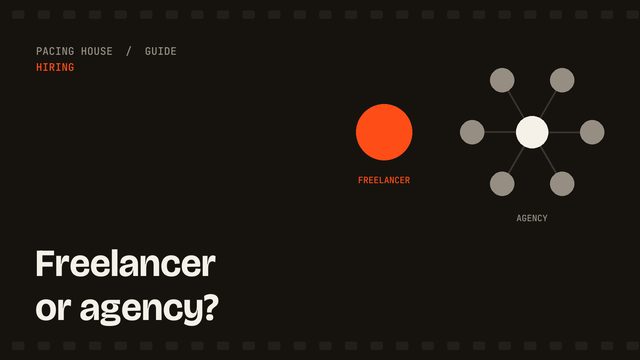
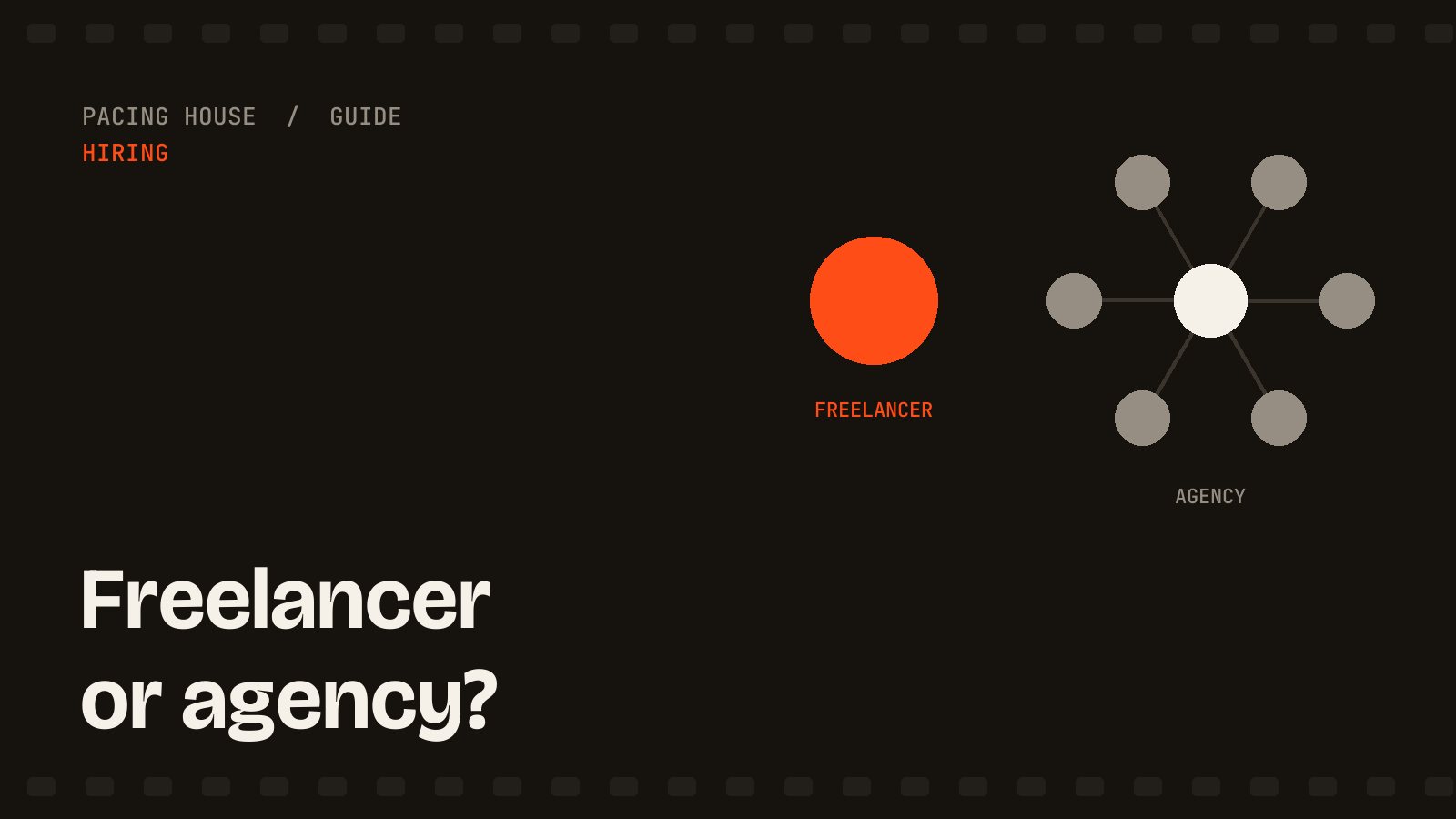
- Agency or studio. A team behind a project manager. More capacity and cover, a higher price, and your notes pass through someone who did not cut the video. The trade-offs are laid out in freelance editor vs agency vs in-house.
- Offshore editor. A freelancer or small studio in Nepal, India, the Philippines or elsewhere. Often lower rates for the same software and skill, with a time zone difference you have to plan around (more on that below).
- Marketplace. Upwork, Fiverr and similar. Fast to search, but quality varies widely and many listings are one-off gigs.
- Unlimited subscription. A flat monthly fee for a queue of requests. Useful for steady, simple work; read the fine print on how many videos are active at once. See how unlimited video editing services really work.
Location is a separate question from model: judge the person and the process, not the country.
How do you outsource video editing, step by step?
1. Document your style before anyone sees footage
Write one page: who the channel is for, how fast the pacing is, how you use music, captions, zooms and b-roll, and what you never want. Link two or three of your own videos and mark the moments that feel most like you.
2. Prepare a brief and a clean folder
For each video: the goal, the target length, must-keep and must-cut moments, sponsor segments and their exact wording, and the thumbnail promise the first 30 seconds has to keep. Put it in the same folder as the footage so nothing lives only in a chat thread.
3. Run a paid test on a real video
Send one real video with the full brief and a real deadline, and pay for it. A test tells you how the editor reads a brief, handles your footage and takes notes, which a showreel cannot.
4. Set a review workflow with timecoded notes
Agree on one place for feedback. Frame.io lets you leave comments pinned to an exact frame; if you are not using it, write notes as timestamps, such as "02:14 cut the second take" or "05:40 music too loud under speech". Send all of your notes for a round in one pass, and agree up front how many rounds are included.
5. Scale up only after it works
After two or three deliveries that hit the deadline and need only light notes, move to a monthly retainer, add Shorts, or hand over more of the process. Scaling a shaky workflow just produces more shaky videos.
How should you hand off footage?
Keep the storage in your name. Create a shared folder in Google Drive or Dropbox that you own and give the editor access, or upload to a Frame.io project you control. If the relationship ends, you remove access and nothing is stranded in someone else's account.
- One folder per video, with subfolders for camera files, separate audio, graphics and the brief.
- Upload original camera files, not screen recordings or compressed exports.
- Name files so the order is obvious: date, video title, camera angle.
- Upload the full set before asking for a start date. Most delays I see come from a missing audio file, not from the edit.
Does an offshore editor in another time zone work?
It can work very well, but be honest about what it changes. Nepal is UTC+5:45. Depending on daylight saving, my evening overlaps with UK afternoons and US East Coast mornings, and my morning overlaps with Australian afternoons. That gives us a short window for a call or quick questions, not a full shared working day.
The upside is overnight progress. If you send notes at the end of your day, I work on them while you sleep, and a revised cut can be waiting when you start. The downside is that a question I ask at the wrong moment can wait hours for an answer, which is why a complete brief matters more with an offshore editor, not less. If you need someone on a live call through your whole working day, choose someone in your own time zone.
What does it cost to outsource video editing?
Price depends on raw footage length, finished length, editing style, turnaround and how many videos a month you send. Editors charge per video, per finished minute, hourly or by retainer. The detail is in how much a video editor costs, and you can estimate your own monthly number with the video editing cost calculator.
Count your own time too: writing briefs and reviewing cuts is part of the real cost. The cheapest quote is rarely the cheapest outcome if every video needs three rounds of notes.
How do you protect your content when you outsource?
- NDA. Worth signing if the footage is unreleased, sponsored, or about a product launch.
- File rights. State in writing that you own the footage and the final exports once paid, and whether project files are included.
- Music and stock licensing. Agree who supplies music and stock footage, and under whose licence. Unlicensed tracks can trigger copyright claims on your channel, not the editor's.
- Access. Share folders, never passwords. If an editor uploads to YouTube for you, use channel permissions rather than your login.
What are the red flags in an outsourcing setup?
- The editor wants footage sent to their own account and will not work from a folder you own.
- No written scope for revisions, so every round becomes a negotiation.
- Silence between handoff and delivery, with no acknowledgement that files arrived complete.
- Music in the cut that nobody can tell you the source or licence for.
- On your side: notes scattered across email, chat and voice memos. That is a red flag too.
Frequently asked questions
Is it worth outsourcing video editing for a YouTube channel?
It is usually worth it once editing is the step that stops you publishing on schedule, and an editor costs less than your hours are worth spent on scripting, filming or sponsors. If you publish rarely and enjoy editing, keeping it yourself is a reasonable choice.
Where should I store footage for an outsourced editor?
In a Google Drive, Dropbox or Frame.io folder that you own, with one folder per video for raw footage, audio, graphics and the brief. Share access with the editor rather than handing over ownership, and remove that access when the work ends.
Can an editor in another time zone keep up with a weekly upload schedule?
Yes, if the schedule is built around the gap. Notes you send at the end of your day get worked on while you sleep. From Nepal (UTC+5:45), my evening overlaps with UK afternoons and US East Coast mornings, and my morning overlaps with Australian afternoons.
Who owns the edited video and the project files?
Whatever you agree in writing before work starts. A common arrangement is that you own the raw footage and the paid-for final exports, while project files are delivered only if the agreement says so. Ask who holds the licences for any music, stock footage or fonts the editor adds.
How much does it cost to outsource video editing?
It depends on footage length, editing style, turnaround and volume. Editors price per video, per finished minute, hourly or by monthly retainer. As one real example, Pacing House charges $95 for a paid test cut and retainers start from $1,100 a month.
Want to try outsourcing with one video?
If you are ready to test it, my YouTube video editing starts with a $95 paid test cut: one video up to 5 finished minutes, or two Shorts up to 60 seconds each, from up to 45 minutes of footage, with one revision and a first cut targeted within 3–5 business days. If it works, retainers start from $1,100 a month. If you would rather compare a few editors first, use the hiring checklist and run the same test with each.