How long does it take to edit a YouTube video?
Typical editing hours by video type, where the time goes stage by stage, and what turnaround to expect when you hire an editor. Short answer: a 10-minute video typically takes 2–4 hours for a simple edit, 8–15 hours for a standard creator edit, and 20 or more hours for heavily produced work.
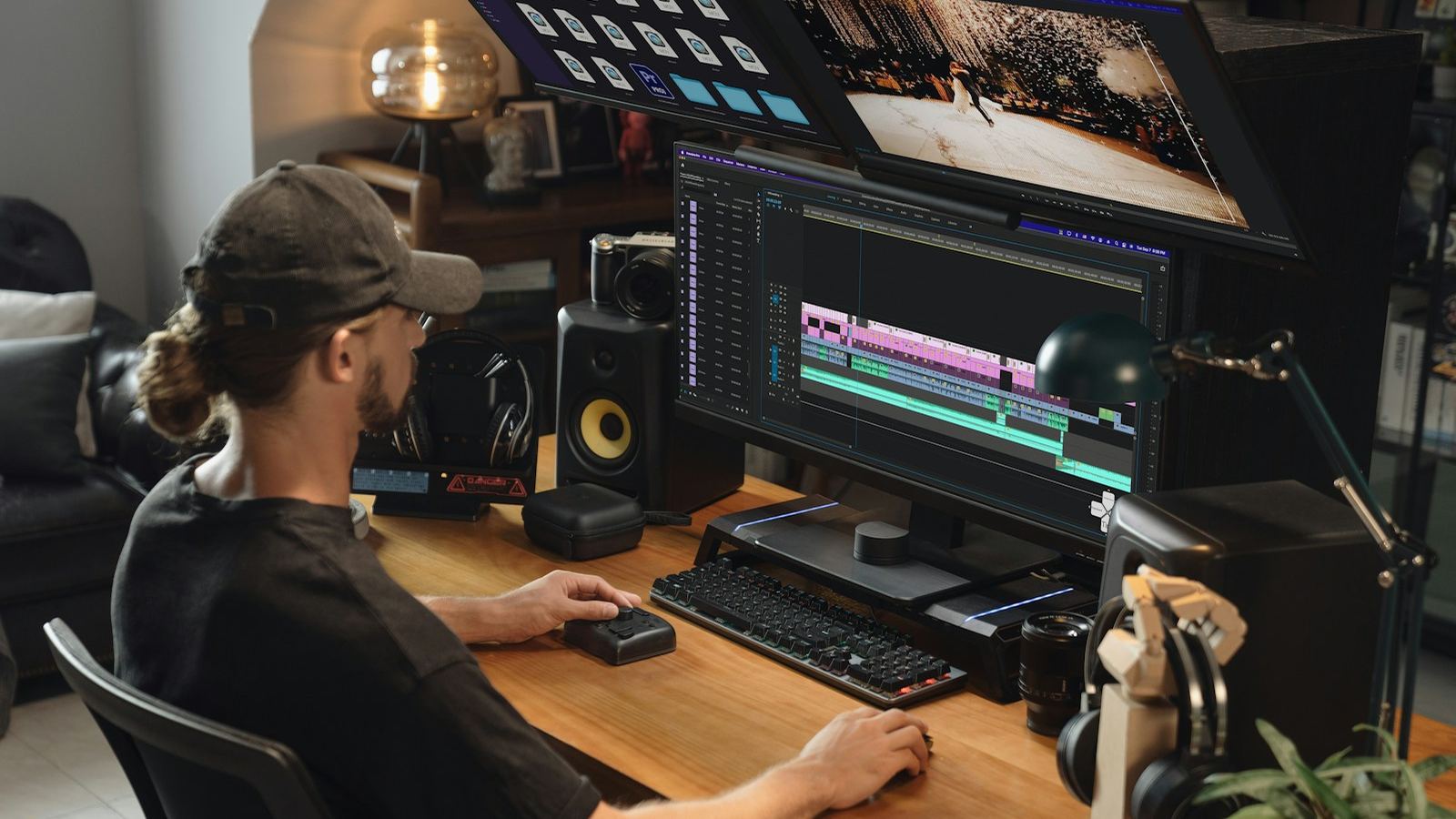
Editing a YouTube video typically takes 2 to 4 hours for a simple 10-minute talking-head video, 8 to 15 hours for a 10-minute video with B-roll, graphics and sound design, and 20 hours or more for a heavily produced one. A common rule of thumb is about one hour of editing per finished minute, but footage volume changes everything.
Those are typical industry ranges, not promises, and two videos of the same length can differ by a factor of five. Below I break down where the hours go, what makes an edit slow, and how long it takes when you hire an editor instead, from the point of view of someone who edits YouTube videos for a living.
How long does it take to edit a YouTube video, by type?
Typical hands-on editing time for a 10-minute finished video, assuming organised footage and an editor who knows their software:
- Simple talking head (one camera, jump cuts, light text, music): 2 to 4 hours.
- Tutorial or screen recording (zooms, callouts, cursor highlights): 4 to 8 hours.
- Vlog (lots of clips to sort, music edits, some color work): 6 to 12 hours.
- Commentary or essay with B-roll and graphics (stock footage, text animation, sound design): 8 to 15 hours.
- Video podcast (60 to 90 minutes, multicam, light cuts): 4 to 8 hours for the full episode, plus time for clips.
- Heavily produced (constant motion graphics, custom animation, detailed sound design): 20 to 40 hours or more.
Beginners should expect two to three times these numbers for their first videos. Most of that extra time is hunting for menus and redoing work, and it drops quickly with practice.
Where do the hours actually go?
Here is roughly how a 10-minute video with B-roll and graphics breaks down on my timeline:
- Organising and reviewing footage: 30 to 90 minutes. Watching everything once is unavoidable, and it scales with raw footage, not finished length.
- Rough cut: 1 to 3 hours. Choosing takes, removing mistakes and putting sections in order.
- Tightening and pacing: 1 to 2 hours. Jump cuts, trimming pauses and restructuring the opening.
- B-roll, text and graphics: 2 to 6 hours. This is the most variable stage and usually the biggest.
- Sound: 1 to 2 hours. Dialogue cleanup, music edits, sound effects and the loudness pass.
- Color: 30 minutes to 2 hours. Correction and matching shots; longer for log footage or multiple cameras.
- Captions, review and export: 1 to 2 hours, including watching the whole export through.
Thumbnails, titles and uploading are separate jobs. Many creators forget to count them and then wonder where the day went.
What makes a YouTube edit take longer?
- Raw footage ratio. Ten minutes of finished video from 20 minutes of footage is a quick job. The same video from three hours of footage is a long one, because every minute has to be watched before it can be cut.
- No script or outline. Rambling footage means the editor has to find the story. Structuring it is slow, careful work.
- Graphics and animation. Custom motion graphics are the biggest single multiplier. A ten-second animated explainer can take an hour on its own.
- Sourcing B-roll. Searching stock libraries or your archive for the right shot takes longer than placing it.
- Audio problems. Echo, wind, clipped levels or a noisy room cost time to fix and rarely fix completely.
- Multiple cameras or log footage. Syncing, matching and grading add real hours.
- Revision rounds. Each round of notes adds time, and vague notes add the most.
- Hardware. A slow computer turns every scrub and render into a wait. Proxies help a lot.
How long does it take to edit a 10-minute YouTube video?
For most channels, somewhere between 3 and 12 hours of work. A clean talking-head video with a script sits at the low end. A video with B-roll on most lines, animated text and sound design sits at the high end. If your video needs constant custom graphics, budget a few full days. The "one hour per finished minute" rule is a reasonable middle estimate for a well-edited video with B-roll.
How long does it take to edit a YouTube Short?
A Short cut from existing long-form footage typically takes 20 to 60 minutes: finding the moment, reframing to 9:16, captioning and adding a hook. An original Short with its own graphics takes longer. Cutting several clips from one source in a batch is much faster per clip than cutting them one at a time. My guide to editing YouTube Shorts covers the steps.
How can you edit YouTube videos faster?
- Script or outline before filming. This saves more editing time than any software feature.
- Film less, film clean. Re-record a bad line on the spot instead of fixing it in the edit, and clap after a mistake so it is easy to find.
- Use templates. Save your title cards, lower thirds, caption style, audio chain and export preset so every video starts half-built.
- Edit in passes. Structure first, then pacing, then visuals, then sound, then color. Polishing as you go means polishing things you later delete.
- Let tools do the first draft. Text-based editing, auto-captions and silence detection save real time. Check their work, but let them start it. I compare them in AI video editing tools.
- Learn the shortcuts. Blade, ripple delete and trim on the keyboard are faster than the mouse every single time.
How long does a video editor take to deliver?
Hands-on hours and calendar time are different things. An editor fits your video around other clients, and there is a gap for your review and notes. Typical turnarounds across the industry are 2 to 5 business days for a first cut of a standard 8 to 15 minute video, longer for heavily produced work, and a day or two for each revision round.
On my side, the $95 paid test cut covers one video up to five finished minutes from up to 45 minutes of footage, with a first cut targeted within 3 to 5 business days and one revision round. On a retainer, from $1,100 a month for four long-form videos up to 12 finished minutes plus eight Shorts, we set a weekly schedule so you always know when each cut lands. See long-form video editing for details.
Is it worth hiring an editor to save the time?
Do the maths on your own hours. If a video costs you 10 hours to edit, and those hours could go into scripting, filming or sponsorships, editing is probably your most expensive task. Most creators hand it off when they want to publish more often than their editing time allows. I explain the price ranges in how much a video editor costs. If you'd rather hand it off, how to hire a YouTube video editor walks through the brief, the paid test and the contract.
Editing time FAQ
How long should it take to edit a YouTube video?
A typical guide is about one hour of editing per finished minute for a well-edited video with B-roll. A simple talking-head video can take a few hours in total, while a heavily produced video with custom graphics can take several days.
How long does it take a beginner to edit a YouTube video?
Expect roughly two to three times the time an experienced editor needs, so a simple 10-minute video might take a full day at first. Most of the extra time is learning the software, and it drops quickly with templates, shortcuts and practice.
Is one hour of editing per minute of video accurate?
It is a reasonable middle estimate, not a rule. Simple talking-head edits are usually much faster than that, and videos with constant motion graphics or hours of raw footage are much slower.
Does the editing software change how long it takes?
Less than people expect. DaVinci Resolve, Premiere Pro and Final Cut Pro are all fast in practised hands. The amount of raw footage, the quality of the audio and the number of graphics change the time far more than the program does.
How long does a freelance editor take to deliver a YouTube video?
Typical turnaround is 2 to 5 business days for a first cut of a standard 8 to 15 minute video, plus a day or two per revision round. Heavily produced videos take longer. Agree the turnaround in writing before the first project.