How to hire a YouTube video editor
Where to find a YouTube video editor for hire, what to pay, how to test them on real footage, and what to put in writing before the first upload. The short version: define the format and volume, shortlist editors whose portfolios match your niche, run a paid test on real footage, and put scope, revisions, turnaround and file rights in writing.
Hiring a YouTube video editor is one of the highest-leverage decisions a creator makes. A good editor gives you back hours on every video and improves retention; the wrong one costs you weeks of revisions and a missed upload schedule. This checklist is how I would hire an editor myself, written from the editor's side of the table.
1. Decide what you are actually hiring for
Before you look at a single portfolio, write down the job:
- Format. Long-form YouTube videos, Shorts and Reels, podcast episodes, or clips cut from existing videos. These are different skills.
- Volume. How many videos a week or month, and how long each one is when finished.
- Raw footage. Twenty minutes of clean talking head is a different job from three hours of vlog footage.
- Style. Simple cuts and captions, or motion graphics, sound design and a full colour grade.
- Turnaround. When the footage arrives and when the video must be ready to upload.
2. Where to find a YouTube video editor for hire
- Freelance marketplaces. Upwork, Fiverr and Contra are fast to search and handle payment, but quality varies widely and the best editors are often fully booked.
- Creator communities. Discord servers, X and Reddit communities for YouTubers and editors. Good for finding editors who already know creator content.
- Editing agencies. A team, a project manager and backup capacity, at a higher price. See freelance editor vs agency for the trade-offs.
- Independent editors. Editors with their own site and portfolio. You deal directly with the person cutting your videos.
- Remote editors in other time zones. An editor in Nepal, India or the Philippines can work while you sleep, which suits weekly upload schedules. Look for one who works your hours for calls.
3. Read a portfolio the right way
- Find work like yours. A brilliant wedding or commercial editor is not automatically a good YouTube editor. Look for creator videos in your niche and format.
- Watch the first 30 seconds. That is where most viewers leave. Is the hook tight? Does it get to the point?
- Watch the middle. Showreels hide weak pacing. Ask for one complete video, not just highlights.
- Ask about results. Retention, views or follower growth on videos they cut, and whether they can show the analytics.
4. What a YouTube editor costs
Editors charge per video, per finished minute, hourly or on a monthly retainer. Prices vary because the work varies: footage volume, story work, motion graphics, colour, audio and turnaround all change the hours. The full breakdown is in how much a freelance video editor costs. For a concrete example, my own rates are a $95 paid test cut, a Weekly Creator Retainer from $1,100 a month (four long-form videos up to 12 finished minutes plus eight shorts), and a Shorts / Reels Sprint from $600 a month for fifteen verticals.
5. Run a paid test edit
A paid test is the single best hiring filter. Give two or three shortlisted editors the same short piece of real footage, the same brief and the same deadline, and pay each of them. Compare four things: how well they understood the brief, the pacing of the hook, how they communicated along the way, and whether they hit the deadline. Do not ask for free tests; good editors decline them, and you end up selecting for people with spare time.
6. Write a brief the editor can actually use
- The goal of the video and who it is for.
- Two or three reference videos, with what you like about each.
- Brand assets: logo, fonts, colours, intro and outro, lower-third wording.
- Must-keep moments, must-cut moments, and anything legally sensitive.
- Where the footage is (Google Drive, Dropbox or Frame.io) and how files are named.
7. Put the terms in writing
- Scope. Finished length, raw-footage limit, and what counts as one video.
- Revisions. How many rounds are included and what a round means.
- Turnaround. Days from complete footage to first cut, and from notes to final.
- Files and rights. Whether you receive project files, and who licenses music and stock footage. Ask who handles Content ID claims.
- Confidentiality. An NDA if the content is unreleased or sponsored.
- Payment. Invoice, currency, method and due date.
8. Onboard the editor properly
The first month sets the working rhythm. Use one place for notes, ideally timecoded comments in Frame.io, and consolidate feedback into a single pass instead of a stream of messages. Share your analytics: an editor who can see where viewers drop off can fix it in the next video.
Red flags when hiring a video editor
- No complete videos in the portfolio, only a fast-cut showreel.
- Vague answers about revisions, turnaround or who owns the files.
- Unlicensed music or stock in their samples.
- Results claims they cannot show you.
- A price far below every other quote, with no clear scope.
Frequently asked questions
Where can I hire a YouTube video editor?
Freelance marketplaces such as Upwork, Fiverr and Contra, creator job boards and Discord servers, editing agencies, and independent editors with their own portfolio sites. Marketplaces are fastest to search; direct hires usually give you more control over the process and the relationship.
How much does it cost to hire a YouTube video editor?
It depends on footage volume, editing style and turnaround. Editors charge per video, per finished minute, hourly or on a monthly retainer. As one real example, Pacing House charges $95 for a paid test cut and from $1,100 a month for four long-form videos plus eight shorts.
Should I hire a freelancer or an agency?
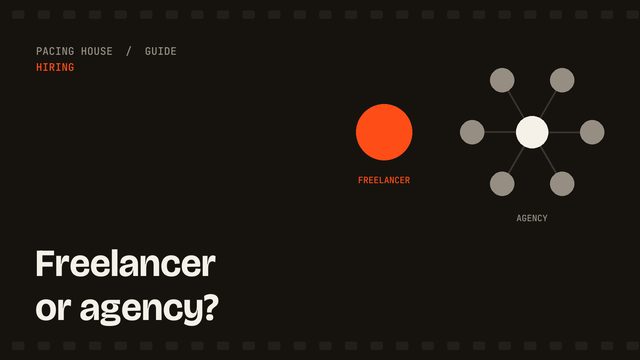
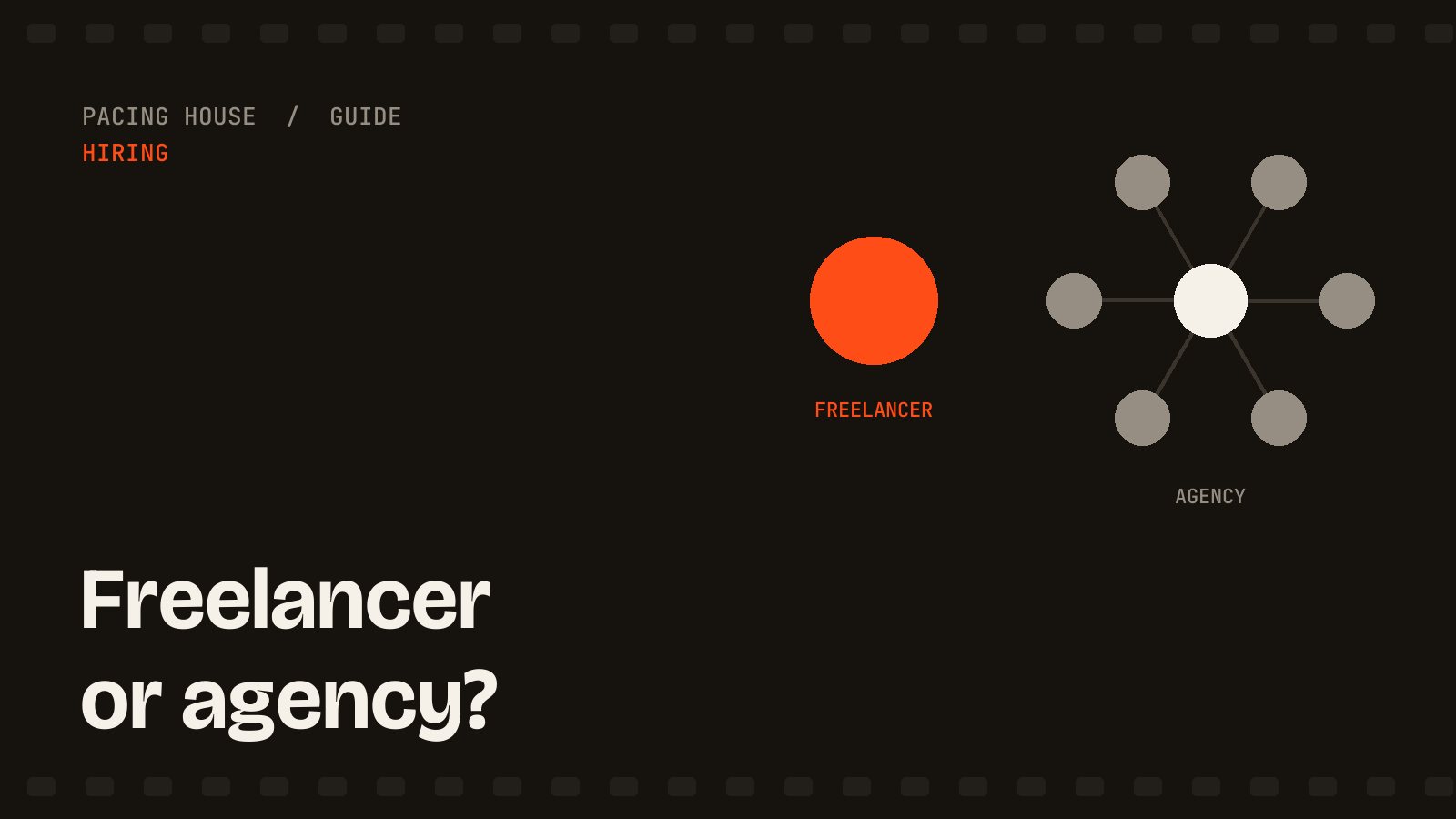
A freelancer gives you one consistent editor and usually a lower price; an agency gives you a team and backup capacity at a higher price. Channels publishing one or two videos a week are usually well served by a dedicated freelancer.
What should I send a new video editor?
Raw footage, a short brief with the goal of the video, two or three reference videos you like, brand assets such as fonts, logo and colours, and any must-keep or must-cut moments.
Is it worth paying for a test edit?
Yes. A paid test on your own footage shows pacing, communication and deadline reliability in a way a portfolio cannot, and paying for it keeps the test fair to the editor.
If you want to try this process with me, start with the $95 paid test cut, or read how I work with US, UK and Australian creators.