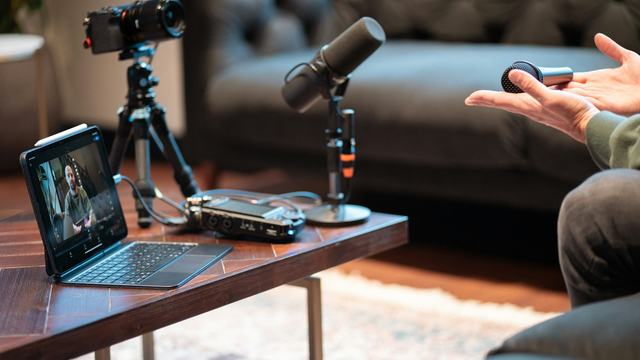
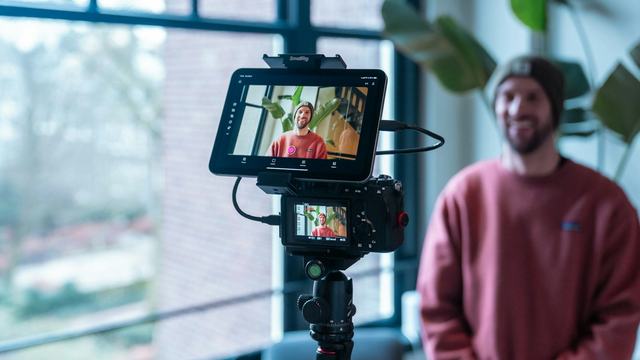
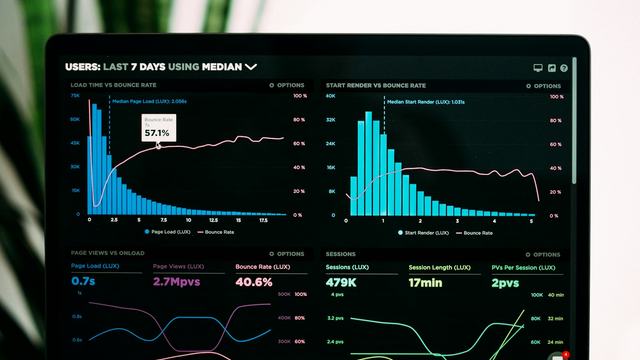
How to edit a podcast video for YouTube
Syncing, multicam switching, mic cleanup, color matching and clips: the workflow I use on two to four camera podcasts, with the settings. Short answer: sync every camera and mic, cut between angles by speaker in a multicam clip, clean and level each mic, match colour across cameras, then add chapters and pull clips for Shorts.
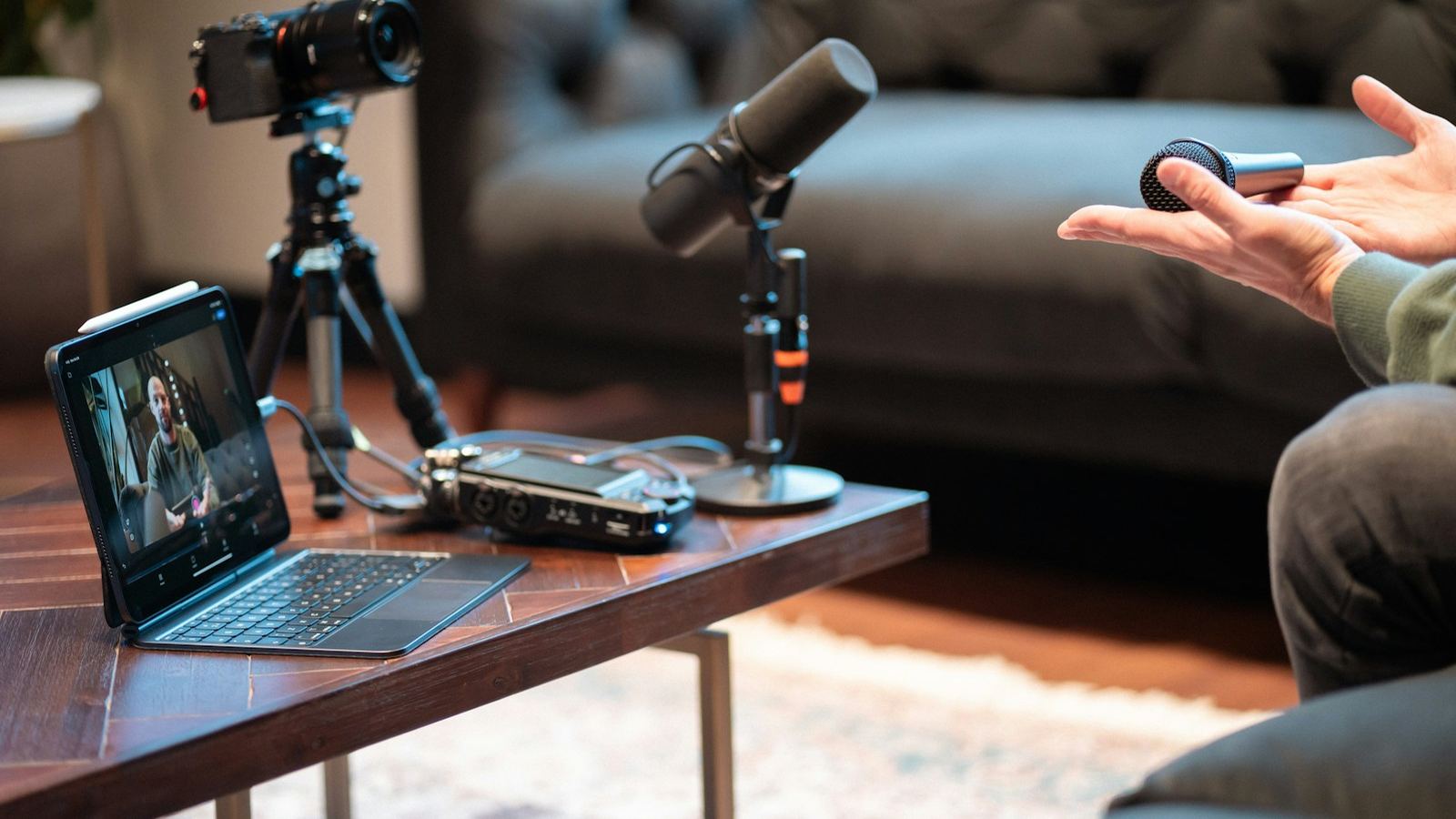
To edit a podcast video for YouTube, sync every camera to the best audio recording, build a multicam clip, cut between angles as people speak, then tighten the conversation, clean and level each mic, match color across cameras, add captions and chapters, and export one full episode plus vertical clips for Shorts.
Podcasts are the most forgiving format to film and one of the most demanding to edit well. There is a lot of footage, two to four cameras, several microphones and a conversation that has to keep moving for an hour. This is the workflow I use, with the settings, in the order that wastes the least time.
How should you set up the project?
- Name files by source. CAM-A wide, CAM-B host, CAM-C guest, MIC-host, MIC-guest. When a recorder splits long files into chunks, keep the chunks in order and in their own folder.
- Use the best audio, not the camera audio. Separate mic tracks from a recorder or interface are your master sound. Camera audio is only for syncing.
- Match the frame rate. All cameras should record the same frame rate. If one is 30 and the others are 25, conform it before you build the multicam.
- Pick an editor that does multicam. DaVinci Resolve (free), Premiere Pro and Final Cut Pro all have proper multicam tools, which is why I recommend them over phone apps for full episodes. CapCut is fine for the clips.
- Make proxies. Three angles of 4K playing at once will stutter on most laptops. Half-resolution proxies make the multicam usable.
How do you sync multiple cameras and mics?
Sync by audio waveform. Every camera records scratch audio, and the editor lines those waveforms up with the mic tracks automatically. A hand clap on camera at the start of recording gives a sharp spike that makes sync reliable and quick to check by eye.
- DaVinci Resolve: select the angles and mic files in the Media Pool, right-click, choose Create New Multicam Clip Using Selected Clips, and set Angle Sync to Sound.
- Premiere Pro: select the clips, right-click, choose Create Multi-Camera Source Sequence, and set the synchronize point to Audio.
- Final Cut Pro: select the clips and choose New Multicam Clip with audio synchronization turned on.
On long recordings, check sync at the end as well as the start. Some cameras drift by a frame or two over an hour. If the lips slip, cut the angle at a pause and nudge the later part back into place.
Remote podcasts recorded in tools like Riverside or Zoom are different: each guest is already a separate track. Line them up once with a clap or a shared spike, then treat each person's video as an angle.
How do you cut between camera angles?
Put the multicam clip on a timeline and switch angles while it plays. In Premiere Pro, open the multi-camera view in the program monitor and press the number keys to switch live. In Resolve, set the source viewer to multicam and click the angle you want. You will tidy every switch later, so do not stop for mistakes on the first pass.
The rules I follow:
- Cut to the speaker, but not instantly. Switching a fraction of a second after someone starts talking feels natural; switching on the exact frame feels robotic.
- Use reactions. A laugh, a raised eyebrow or a nod from the listener is often better than staying on the speaker.
- Use the wide to reset. Go to the two-shot when people talk over each other, at the start of a new topic, or after a long single.
- Don't cut too often. On a calm interview, staying on one angle for 10 to 20 seconds is fine. Cut when the conversation changes, not on a timer.
- Add punch-ins. If you filmed in 4K, a slow push or a hard 115 percent crop on a key line gives a third "angle" from the same camera.
Automation can do the first pass. Plugins such as AutoPod for Premiere Pro, and the multicam switching in DaVinci Resolve Studio, pick the angle from whichever mic is loudest. It is a good start on a long episode, but I always review it: auto-switching cuts to coughs, misses reactions and never knows when the wide shot would land better.
How much should you cut from a podcast episode?
Less than a vlog. A podcast is valued for the conversation, so I do not jump-cut every pause. What I remove:
- Pre-show chat, setup, "can you hear me" and the countdown.
- Long tangents that go nowhere, and anything the guest asks to be removed.
- Repeated answers when someone restarts a thought.
- Long silences and heavy filler words, but only where removing them keeps the meaning and rhythm.
Then open the episode with the best minute: a short cold open of the strongest exchange, followed by a one-line introduction. A podcast that starts with "welcome back to the show" loses people before it begins. My guide on YouTube audience retention explains how to read where viewers leave.
How do you edit podcast audio for YouTube?
Each mic gets its own track and its own processing, in this order:
- Noise reduction for room tone and hum, applied lightly so voices do not sound underwater.
- High-pass filter around 80 Hz to remove rumble and desk bumps.
- Reduce mic bleed. When the host talks, the guest's mic picks them up too. An expander or gate on each mic, or simply lowering the non-speaking mic, removes the echo-like doubling.
- Compression around 3:1 so every voice sits at a similar level, with a de-esser if needed.
- Loudness: mix to about -14 LUFS integrated with peaks below -1 dBTP for YouTube.
If you also publish an audio-only version, export it from the same mix. Apple recommends around -16 LUFS for podcasts, so I make a separate audio master rather than turning the video mix down.
How do you match color across podcast cameras?
Viewers notice a skin-tone shift every time you cut, so matching matters more than a look. Set white balance and exposure on the main angle, then match the other cameras to it using the vectorscope and waveform. If your cameras differ, Resolve's shot match is a starting point, but finish by eye on the faces. Grade the multicam source once rather than every clip on the timeline.
What graphics, captions and chapters does a podcast need?
- Lower thirds with each guest's name and role the first time they speak.
- On-screen text for books, links, numbers and names mentioned in passing.
- Captions: upload a checked SRT in YouTube Studio. Auto-captions misspell guest names.
- Chapters: add timestamps in the description starting at 0:00, at least three of them, each at least 10 seconds long. On a long episode they help people find the part they came for.
How do you turn the episode into Shorts?
While cutting, drop a marker on every strong moment: a clear opinion, a story with a payoff, a surprising number. Afterwards, cut each one into a 30 to 60 second vertical clip, reframe to 9:16 on the speaker, and add animated captions. I cover the full process in how to turn one podcast into a month of Shorts and the caption styling in the animated captions guide.
What are the best export settings for a video podcast?
- Full episode: MP4, H.264, same resolution and frame rate as the timeline. About 8 to 12 Mbps for 1080p, more for 4K.
- Audio: AAC, 48 kHz, stereo, 320 kbps.
- Shorts: 1080 by 1920, same frame rate, with text kept away from the bottom and right edges where the interface sits.
If you'd rather hand it off, I edit full episodes and clips as a podcast video editing service. A Shorts sprint starts from $600 a month for 15 vertical clips, and you can start with a $95 test. My guide to hiring a YouTube editor covers what to look for in anyone you hire.
Podcast video editing FAQ
What is the best software to edit a video podcast?
DaVinci Resolve, Premiere Pro and Final Cut Pro all have full multicam tools for syncing and switching between cameras. Resolve is free, Premiere Pro suits teams already on Adobe, and Final Cut Pro is a good fit on a Mac. Descript is useful when you prefer editing from the transcript.
Can you edit a podcast video for free?
Yes. The free version of DaVinci Resolve can sync cameras by audio, build multicam clips, clean dialogue, match color and export for YouTube. CapCut's free tier works well for cutting vertical clips from the finished episode.
How do you edit a video podcast in Premiere Pro?
Select your camera and audio clips, right-click and choose Create Multi-Camera Source Sequence with the synchronize point set to Audio. Put it on a timeline, open the multi-camera view in the program monitor and press the number keys to switch angles during playback, then refine the cuts.
How long should a podcast video on YouTube be?
There is no ideal length. Full episodes commonly run from 45 minutes to two hours, and what matters is that each section earns its place. Cut setup chat, dead tangents and repeated answers, and add chapters so viewers can jump to the topic they want.
Do podcast videos need captions?
Upload accurate captions for every episode, because they help accessibility and search and YouTube's auto-captions often misspell names. Burned-in animated captions are mainly for the vertical clips, where many people watch without sound.
How long does it take to edit a video podcast?
A 60 to 90 minute multicam episode with light cuts typically takes 4 to 8 hours of editing, plus extra time for each vertical clip. Heavy audio problems, more cameras or detailed graphics push that higher.