How to start a video podcast on YouTube
To start a video podcast, choose a format and a release schedule you can keep, record every person on their own camera and microphone track, edit the episode for YouTube, publish it to a podcast playlist in YouTube Studio, send the audio to Spotify and Apple Podcasts through a podcast host, and cut short clips from every episode to grow the show.
I edit video podcasts for a living, so I see what happens after the record button. Most of the problems I fix in the edit were decided before the first episode: one mic shared by two people, a guest recorded over a shaky video call, cameras set to different frame rates. This guide is the setup I would give a friend starting a show today, from the first planning session to launch day.
What should you decide before recording a video podcast?
Four decisions shape everything else, and they are cheaper to make on paper than to fix in the edit.
- Format. Solo (you talking to camera), co-hosted (two regulars), interview (a new guest each episode) or panel. Interviews are the easiest to fill week after week; solo shows are the easiest to record but need the most preparation.
- Length. Pick a range you can fill with good material every time, not a number you think the algorithm wants. Many interview shows land between 45 and 90 minutes; solo episodes are usually shorter.
- Cadence. Weekly or every two weeks works for most new shows. Choose the schedule you could keep in your busiest month, then keep it.
- Guests. Write a list of 15 to 20 people before you launch, and book the first few early. Send each guest the topic, rough length and recording link a few days ahead.
Write one sentence that says who the show is for and what they get from it. It becomes your channel description, your podcast description and the filter for every episode idea.
What equipment do you need for a video podcast?
Sound matters more than picture. Viewers will sit through a soft image, but they leave quickly when the audio is echoey, clipped or uneven. Spend on microphones first.
Solo shows
- A dynamic microphone close to your mouth. It rejects more room noise than a condenser, which helps in untreated rooms.
- One camera at eye level. A recent phone or a decent webcam is enough to start; a mirrorless camera with clean HDMI output is the usual upgrade.
- Soft light in front of you, slightly to one side, and nothing bright directly behind you.
In-person shows with guests
- One mic per person, never a shared mic in the middle of the table.
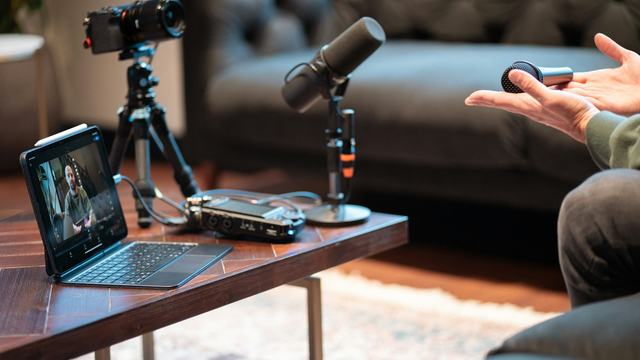
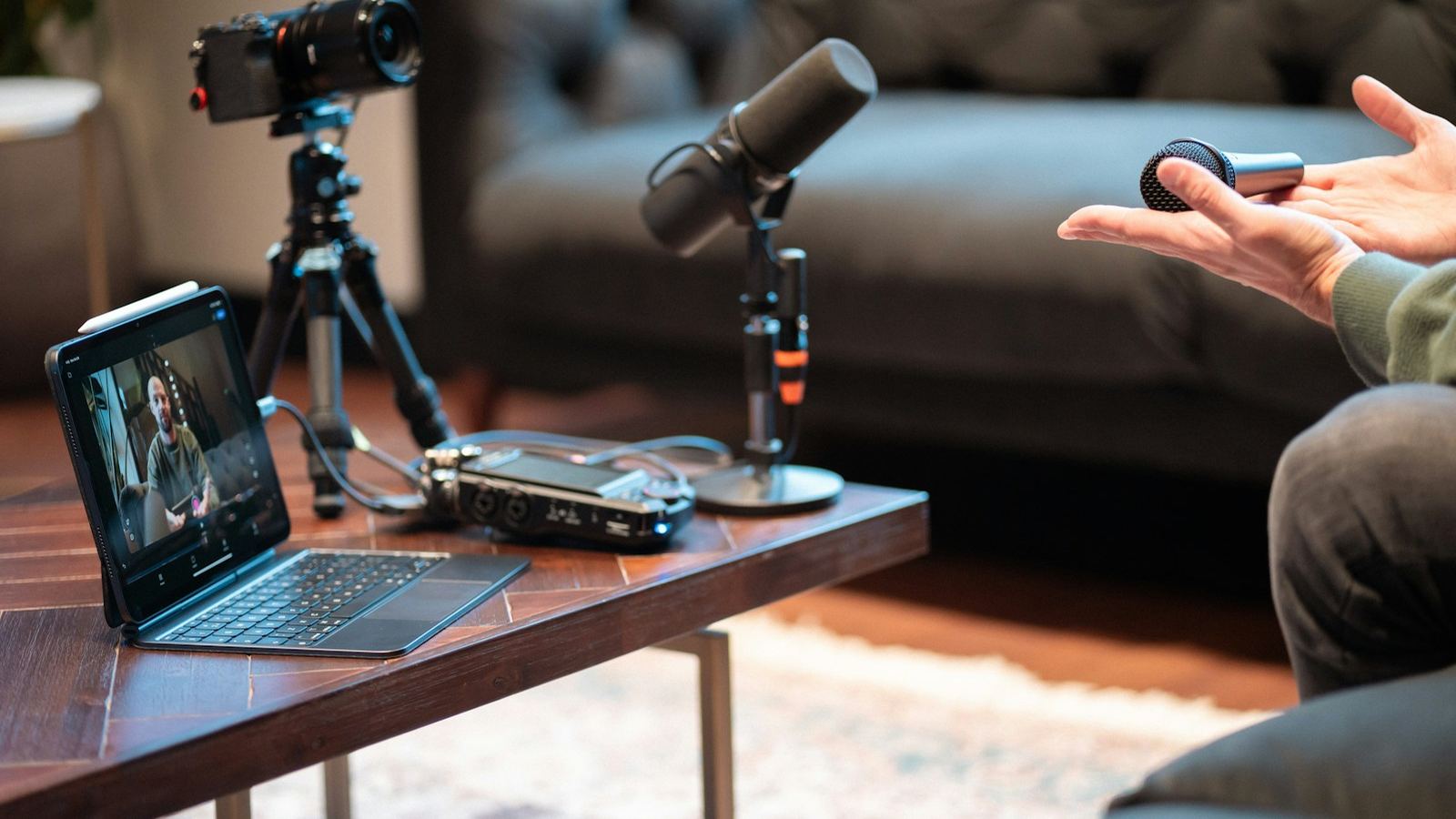
- Separate tracks. An audio interface or field recorder that saves each mic to its own file. A simple mixer usually gives you one mixed track, and then you cannot fix one person without affecting the other.
- Cameras. Ideally one per seat plus a wide shot. Set every camera to the same resolution and frame rate.
- Headphones for whoever is monitoring the sound, so problems get caught during recording rather than in the edit.
Remote shows
For remote guests, use a tool that records each person locally on their own device and uploads the files afterwards. That way a dropped internet connection spoils the live call, not the recording. Riverside records audio and video locally for each participant, and StreamYard's local recording saves a separate video and WAV audio file for each person. If you use Zoom, turn on local recording with the setting to record a separate audio file for each participant, and accept that the video will be lower quality than a dedicated studio tool. Whatever you use, ask guests to wear wired headphones and keep the tab open until their upload finishes.
What should you check before you press record?
This is the checklist I wish every client ran before each session:
- Every camera on the same frame rate and resolution, with enough card space and battery or power for the whole session plus half an hour.
- Each mic recording to its own track, with levels peaking comfortably below the top of the meter.
- Phones on silent, notifications off, fans and air conditioning off if they are audible.
- Framing checked on every angle: eyes in the top third, no light stand or clutter creeping into the edge.
- A ten-second test recording played back on headphones before the real one.
- One loud clap on camera at the start, so the editor can sync every angle and mic.
- Remote guests: wired headphones, local recording confirmed, and everyone told to wait for uploads to finish.
- Ten seconds of silence in the room for noise reduction, and a backup recording of the call or mix if you can run one.
How do you edit a video podcast episode?
In short: sync every camera and mic using that clap, build a multicam clip, cut between angles as people talk, remove the pre-show chat and dead tangents, clean and level each mic, match colour across cameras, then add captions and chapters. I cover each step, with software settings, in how to edit a podcast video for YouTube.
Two habits help from episode one. Open with the strongest minute of the conversation instead of a long welcome, and mark every quotable moment while you edit, because those markers become your clips later.
How do you set up a podcast on YouTube?
On YouTube, a podcast is a playlist of full episodes with podcast features turned on. According to YouTube's help page on creating a podcast in YouTube Studio, you click Create, then New podcast, and add a title, description, visibility and a square thumbnail (YouTube recommends 1280 by 1280 pixels). You can also turn an existing playlist into a podcast from Content > Playlists. YouTube may ask you to verify your account first, and MP3 files cannot be turned into podcasts, so each episode has to be a video.
Keep the podcast playlist for full episodes only. YouTube's guidance is not to add podcast features to playlists of clips, so your Shorts and highlights belong elsewhere on the channel.
- Titles: lead with the topic or the guest's most interesting idea, not "Episode 12". Put the episode number at the end if you want it at all.
- Thumbnails: one or two faces, clearly lit, and three or four words at most. Keep a consistent layout so returning viewers recognise the show.
- Chapters: YouTube's video chapters come from timestamps in the description. The first must be 00:00, you need at least three in ascending order, and each chapter must be at least 10 seconds long.
- Description: a two-line summary, the guest's links, the chapters, and where to find the audio version.
How do you get your podcast on Spotify and Apple Podcasts?
Audio apps work through an RSS feed, and a podcast hosting service creates that feed for you. The process is the same whichever host you choose:
- Create the show on your host with its name, description, category and square cover art.
- Export an audio master of each episode from the same edit as the video, and upload it with show notes.
- Submit the RSS feed once to Spotify and once to Apple Podcasts. After approval, new episodes appear there automatically.
- If you want the video version on Spotify as well, check whether your host supports delivering video there.
Publish the YouTube episode and the audio episode on the same day, and link each from the other so listeners can choose how they follow the show.
How do you grow a new video podcast?
- Clips for Shorts, Reels and TikTok. Cut three to five vertical clips of 30 to 60 seconds from every episode: a clear opinion, a story with a payoff, a surprising answer. Each one is a way in for someone who has never heard of you. My guide to turning one podcast into a month of Shorts walks through the process, or you can hand it to a video clipping service.
- Guest cross-promotion. Send every guest the episode link, two or three clips sized for their platforms and a short suggested caption on release day. Make sharing easy and many will do it.
- Consistency. Release on the same day each week or fortnight. Bank two or three finished episodes before launch so a busy week does not break the schedule.
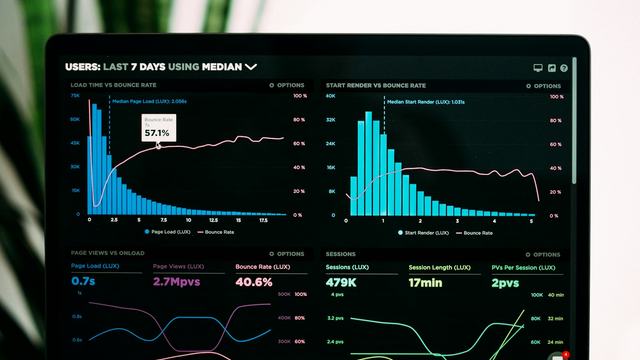
- Read the numbers. Watch where viewers drop off in each episode and change the next one. My guide to YouTube audience retention explains how to read the graph.
What is on a podcast launch checklist?
- Show name, one-sentence promise, channel banner and square cover art ready.
- Three episodes recorded and edited, with two more guests booked.
- Podcast created in YouTube Studio, with the first episode scheduled into it.
- Hosting account set up and the RSS feed submitted to Spotify and Apple Podcasts, allowing a few days for approval.
- Titles, thumbnails, chapters and descriptions written for every launch episode.
- At least five vertical clips scheduled across Shorts, Reels and TikTok for launch week.
- Guests sent their links and clips, and the launch shared with your own audience and mailing list.
- A release day in the calendar for the next eight weeks.
If you would rather spend your time on guests and ideas than on timelines, I edit full episodes and clips as a podcast video editing service. Episodes are quoted per episode, the $95 paid test cut covers two Shorts, and the Shorts / Reels Sprint starts from $600 a month for 15 vertical clips.
Starting a video podcast FAQ
Can you start a podcast on YouTube for free?
Yes. Creating a channel and a podcast in YouTube Studio costs nothing, and you can record on a phone or webcam and edit in the free version of DaVinci Resolve. The first thing worth paying for is a decent microphone, because viewers forgive average video far more readily than poor sound.
What equipment do you need to start a video podcast?
One microphone per person, one camera per seat (a phone or webcam is fine at first), headphones and soft, steady light from the front. For in-person shows, an audio interface or recorder that saves each mic on its own track makes the edit much easier.
How long should a video podcast episode be?
As long as the conversation stays useful. Many interview shows run 45 to 90 minutes and solo shows are often shorter. Pick a length you can fill every time and keep it roughly consistent so your audience knows what to expect.
How often should you release podcast episodes?
Weekly or every two weeks suits most new shows. Keeping the schedule matters more than the schedule itself, so bank two or three episodes before launch and choose a cadence you could sustain in a busy month.
How do you get a video podcast on Spotify and Apple Podcasts?
Upload each episode to a podcast hosting service, which creates an RSS feed, then submit that feed once to Spotify and once to Apple Podcasts. New episodes then appear in both automatically. If you want video on Spotify as well, check whether your host supports it.